
Management
Apps
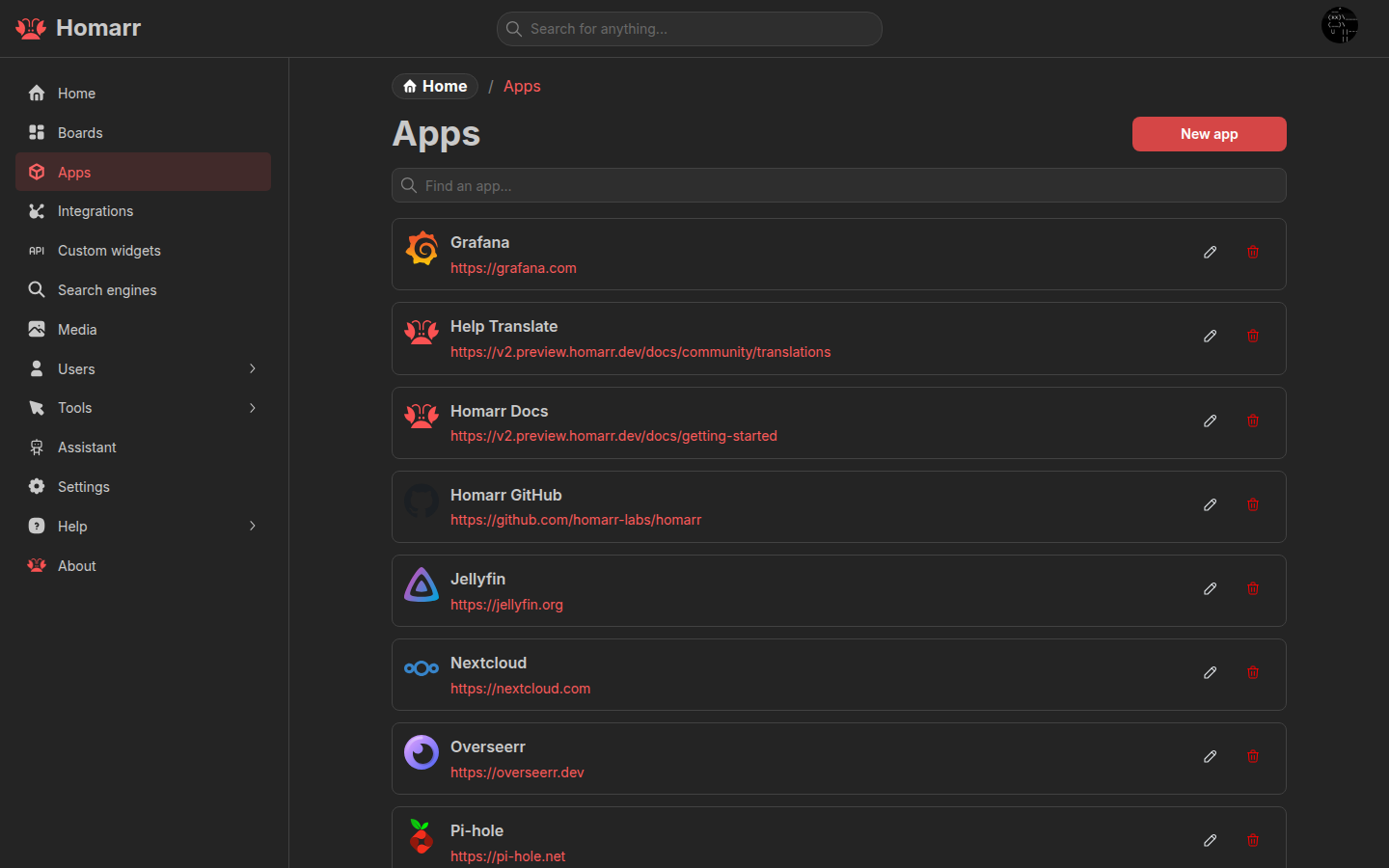
An app is a saved shortcut used by the App and Bookmarks widgets. It contains a name, destination, icon, and optional status-check address.
How an app is used
App recordSaved once in Homarr
NameIconURLPing URL · optional
BoardApp tile or Bookmarks widget
BrowserOpens the app URL directly
Configuration
Create and manage apps under Management → Apps. Creating or deleting an app refreshes open app lists and app widgets.
| Field | Purpose |
|---|---|
| Name | Label shown on the board |
| Icon URL | Direct image URL, icon-library result, or uploaded image |
| Description | Optional tooltip |
| URL | Destination opened from the board; custom URI schemes are supported except javascript: |
| Ping URL | Optional HTTP(S) address used for status checks when it differs from the destination |
An app can be linked to an integration. Integration widgets then use the app as their destination when they provide a link to the service.
See Icons for icon sources and uploads.
Permissions
app-createcreates apps.app-modify-alllists and edits every app.app-full-allalso deletes and uses every app.app-use-allallows using every app on boards without granting management access.
Users with only app-create can open the page and create an app, but do not receive the existing app list.