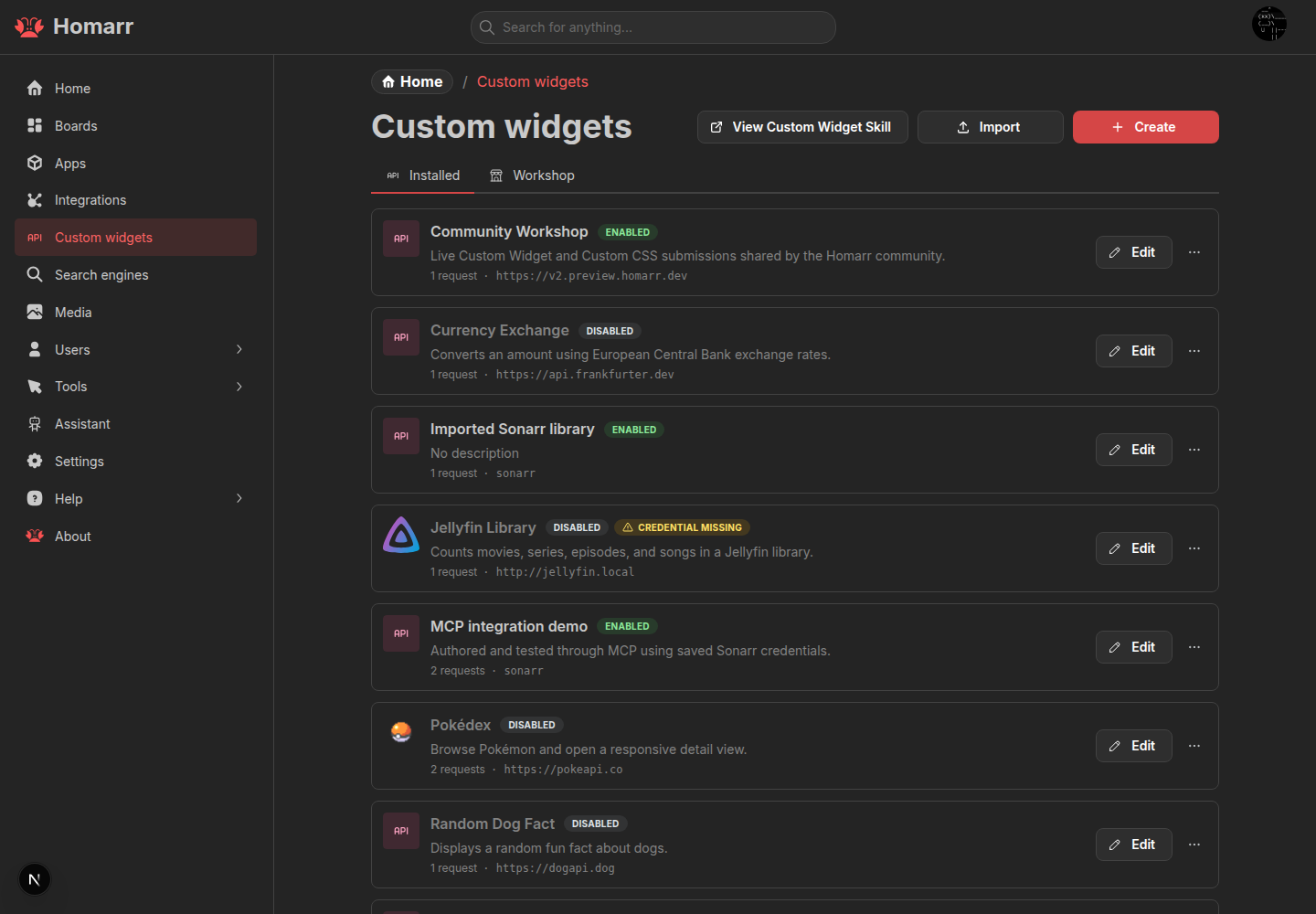
Custom Widgets
Custom widgets are a new feature. Share feedback, ask questions, and discuss ideas in our GitHub Discussions.
Custom widgets allow you to fetch data from any HTTP API and display it on your Homarr dashboard. You define the API endpoint, authentication, and how the response should be rendered - no code compilation or server restart required.
Creating a Custom Widget
To create a custom widget, navigate to the Custom Widgets section in the management sidebar and click the Add button. Fill in the configuration:
- Name - Display name shown in the widget picker and on the dashboard
- Description - Optional description shown in tooltips and management UI
- Icon URL - Optional URL to an icon image for the widget
- URL - The API endpoint to fetch data from (must include protocol, e.g.
https://api.example.com/stats) - Authentication - How the API request is authenticated:
none- Public APIs with no authenticationbearer- Bearer token authenticationbasic- HTTP Basic auth (username + password)apiKeyHeader- API key sent as a custom HTTP headerapiKeyQuery- API key sent as a query parameter
- Header Name - Custom header or query parameter name for API key auth (e.g.
X-API-Key) - HTTP Method -
GET,POST,PUT,PATCH, orDELETE - Request Body - JSON string body for
POST/PUT/PATCHrequests - Display Type - How the API response is rendered (see below)
Display Types
| Display Type | Description | Best For |
|---|---|---|
| Single Value | Extracts a single value with a label and unit | Metrics: temperature, uptime, user count |
| Key Value | Multiple labeled key-value pairs with optional units | System stats: CPU, memory, disk |
| Table | API array data rendered as a sortable table | Lists of items with columns |
| Stat Grid | Labeled values in colored stat cards | Counts: movies, series, albums |
| Progress Bars | Values as progress bars with percentages | Usage: disk, quota, capacity |
| Status Indicator | Green/red status dots for health checks | Service monitoring |
| Count Grid | Simple counts in a grid (no colors) | Library counts |
| Raw | Pretty-prints the raw JSON response | Debugging |
| Action Button | Clickable button executing the API request | Triggers: restart, clear cache |
| Custom JSX | Custom JSX template with Mantine v9 components | Full layout control |
AI-Powered JSX Generation
When editing or creating a custom widget with the Custom JSX display type, you'll find a Copy Prompt button. Clicking it copies a pre-formatted prompt describing your widget's name, API endpoint, and available Mantine components. Paste this into your preferred AI assistant (ChatGPT, Claude, Copilot, etc.) to generate a JSX template tailored to your data.
Example: Pokédex widget using Custom JSX
{
"$schema": "homarr-custom-widget-v2",
"name": "Pokédex",
"description": "Browseable Pokémon list",
"iconUrl": "https://raw.githubusercontent.com/PokeAPI/sprites/master/sprites/items/poke-ball.png",
"url": "https://pokeapi.co/api/v2/pokemon?limit=75",
"authType": "none",
"method": "GET",
"displayType": "customJsx",
"displayConfig": {
"type": "customJsx",
"template": "<Stack gap=\"md\" p=\"xs\">\n <Card withBorder radius=\"xl\" p=\"md\" shadow=\"md\">\n <Group justify=\"space-between\">\n <Title order={3}>Pokédex</Title>\n </Group>\n </Card>\n <PaginatedList pageSize={12}>\n <Grid gutter=\"sm\">\n {data.results.map((pokemon, i) =>\n <Grid.Col span={1.5}>\n <Anchor href={pokemon.url} target=\"_blank\" underline=\"never\">\n <Card withBorder radius=\"xl\" p=\"xs\" shadow=\"md\">\n <Stack gap=\"sm\" align=\"center\">\n <Group justify=\"space-between\" style={{ width: \"100%\" }}>\n <Badge size=\"sm\" color=\"red\">#{i + 1}</Badge>\n <Text fw={800} tt=\"capitalize\">{pokemon.name}</Text>\n </Group>\n <Avatar\n src={\"https://raw.githubusercontent.com/PokeAPI/sprites/master/sprites/pokemon/\" + (i + 1) + \".png\"}\n size={92}\n radius=\"xl\"\n />\n </Stack>\n </Card>\n </Anchor>\n </Grid.Col>\n )}\n </Grid>\n </PaginatedList>\n</Stack>"
}
}
Importing and Exporting
Custom widgets can be exported and imported as JSON files. To export, select the widget in the list and click the export button. To import, click the import button and paste the JSON. Secrets (API keys, passwords) are never included in exports and must be configured after import.
The import format uses "$schema": "homarr-custom-widget-v2" to identify the widget version.
Available Mantine Components for Custom JSX
When using the customJsx display type, your template has access to a whitelist of Mantine v9 components. Unrecognized components, event handlers, and dangerous tags are stripped for security.
Layout
| Component | Doc |
|---|---|
Stack | docs |
Group | docs |
Flex | docs |
Grid / Grid.Col | docs |
SimpleGrid | docs |
Center | docs |
Container | docs |
Space | docs |
AspectRatio | docs |
Typography & Content
| Component | Doc |
|---|---|
Text | docs |
Title | docs |
Code | docs |
Highlight | docs |
Mark | docs |
Kbd | docs |
Blockquote | docs |
Anchor | docs |
NumberFormatter | docs |
Data Display
| Component | Doc |
|---|---|
Badge | docs |
Card / Card.Section | docs |
Paper | docs |
Alert | docs |
ThemeIcon | docs |
ColorSwatch | docs |
Avatar / Avatar.Group | docs |
Image | docs |
BackgroundImage | docs |
Indicator | docs |
Pill | docs |
Spoiler | docs |
Tables
| Component | Doc |
|---|---|
Table / Table.Thead / Table.Tbody | docs |
Table.Tr / Table.Th / Table.Td | docs |
Lists
| Component | Doc |
|---|---|
List / List.Item | docs |
Timeline / Timeline.Item | docs |
Feedback & Loading
| Component | Doc |
|---|---|
Progress / Progress.Section | docs |
RingProgress | docs |
Skeleton | docs |
Loader | docs |
Navigation & Overlay
| Component | Doc |
|---|---|
TabsContainer / TabPanel | Custom interactive component |
Accordion / Accordion.Item / Accordion.Control / Accordion.Panel | docs |
ScrollArea | docs |
Tooltip | docs |
Charts
| Component | Doc |
|---|---|
AreaChart | docs |
BarChart | docs |
LineChart | docs |
DonutChart | docs |
PieChart | docs |
RadarChart | docs |
RadialBarChart | docs |
Sparkline | docs |
Interactive Components
| Component | Description |
|---|---|
PaginatedList | Client-side pagination wrapper |
Collapsible | Expandable/collapsible section |
StatBar | Horizontal stat bar |
TypeBadge | Type-styled badge |
Divider | docs |
Template Bindings
Your template receives:
data- The sanitized API response object. Access fields viadata.fieldNameordata.results[0].name.String(v)- Type-safe string conversionNumber(v)- Type-safe number conversionBoolean(v)- Type-safe boolean conversionMath- Safe subset:round,floor,ceil,abs,min,max,pow,sqrt,PIJSON.stringify(v)- JSON serializationArray.isArray(v)- Array type checkObject.keys(v),Object.values(v),Object.entries(v)- Object utilities
Security Constraints
- Event handlers (
onClick,onChange, etc.) are stripped - Dangerous HTML attributes (
dangerouslySetInnerHTML) are stripped script,iframe,object,embed,form,style,link,meta,basetags are forbidden- Template strings containing
eval,Function,import,require,globalThis,window,document,fetchare rejected - Anchor
hrefattributes are validated to only allowhttps://, relative (/), and hash (#) URLs