
Thingport Featured Model
Miscellaneous
Shows one model from your Thingport library each day, spinning in 3D.
This widget shows the same featured model as the Thingport dashboard, a new one each day. Drag the model to turn it, and select it to open it in Thingport.
The 3D preview needs an STL model, or a 3MF model that Thingport has already prepared a preview for. Other models show their thumbnail instead.
Screenshots
The widget at several grid sizes, in dark and light mode.
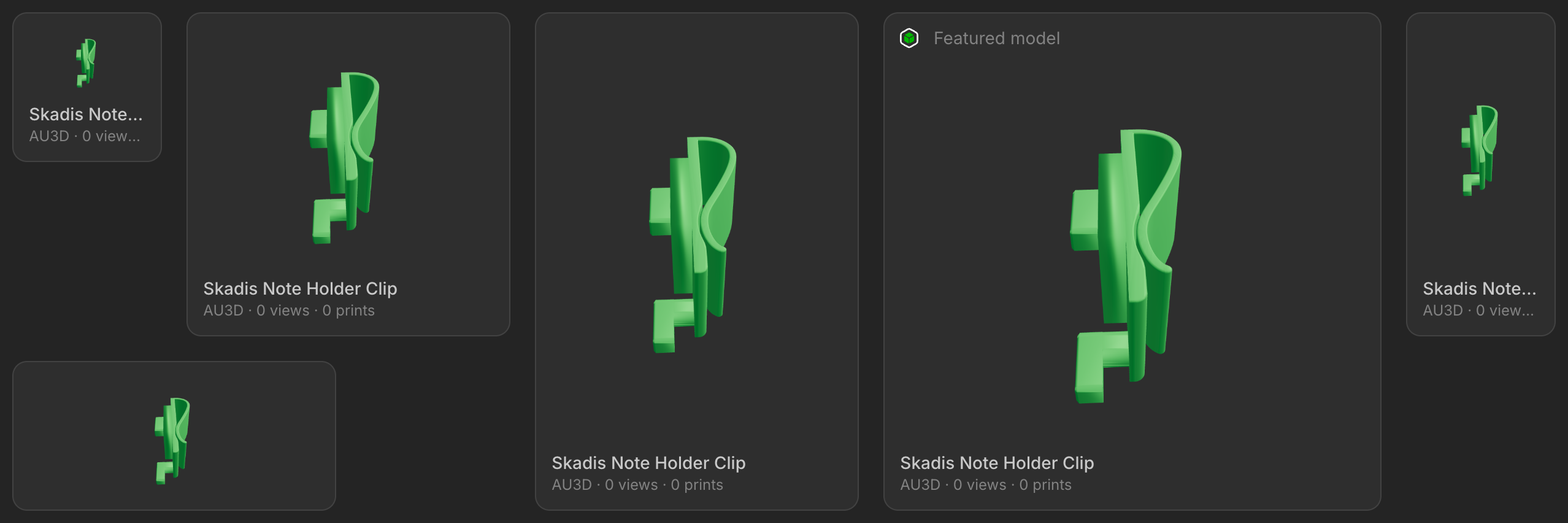
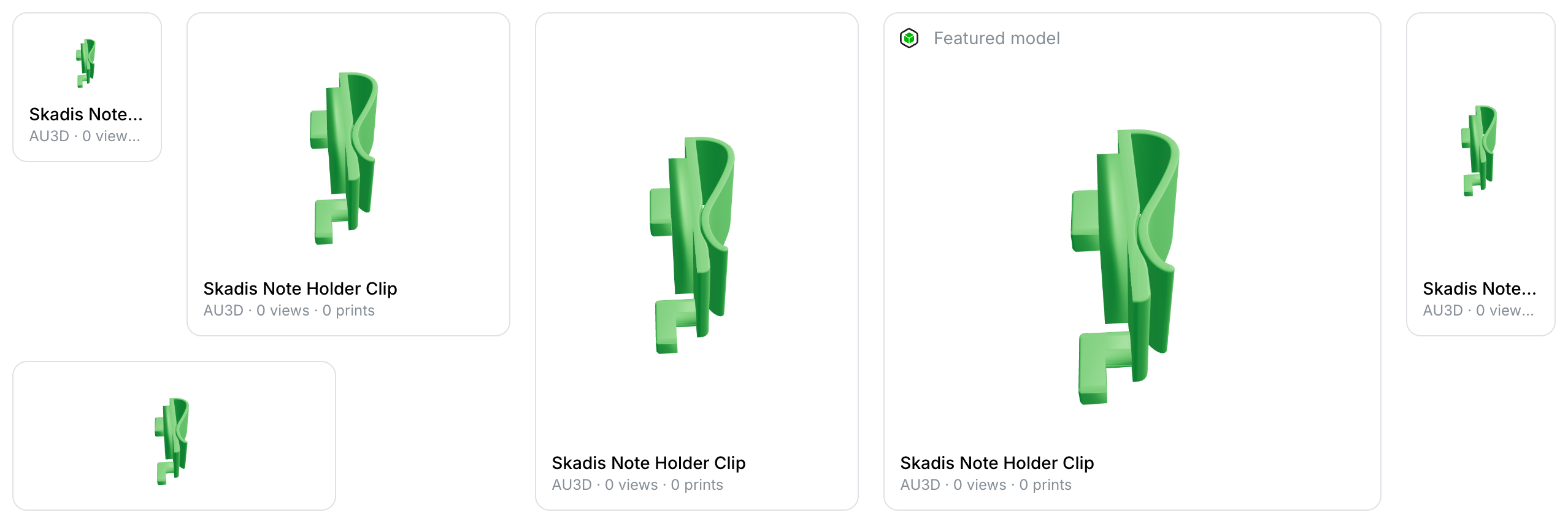
Supported Integrations

ThingportSelf-hosted library for organizing and previewing your 3D printing models.
Adding the widget
Add the widget from the board's Add board content menu in edit mode.
Configuration
| Name | Description | Values | Default value |
|---|---|---|---|
| Show title | Displays the Thingport logo and a title above the widget | yes / no | no |
| Spin the model | Turns the model slowly on its own | yes / no | yes |
| Show model details | Displays the model name, author, views and prints under the preview | yes / no | yes |
| Open model in new tab | Opens the model in Thingport in a new browser tab | yes / no | yes |