
Calendar
Media managerServarr
Display events from your integrations in a calendar view within a certain relative time period
The Calendar widget combines events and upcoming media releases. Healthy integrations remain visible when another source fails.
Advanced view always shows the Agenda. Timed events without an end time occupy a 30-minute slot in Day and Week; their details keep the original event time.
Supported integrations

NextcloudNextcloud is a self-hosted productivity platform that provides file storage, collaboration tools, and more.

LidarrLidarr is a music management tool that automates the process of downloading, sorting, and renaming music.

RadarrRadarr is a movie management tool that automates the process of downloading, sorting, and renaming movies.

ReadarrReadarr is a book management tool that automates the process of downloading, sorting, and renaming books.

SonarrSonarr is a TV series management tool that automates the process of downloading, sorting, and renaming episodes.

SportarrSportarr is a sports event manager that monitors leagues, searches indexers for event releases, and organizes them into your media library.

iCaliCal is a standard for calendar data exchange, allowing users to share and manage calendar events across different platforms.

Home AssistantHome Assistant is an open-source home automation platform that focuses on privacy and local control, allowing you to automate and control your smart home devices.
Views
Compact month is the default, keeping the familiar calendar with colored event indicators.
| View | Preview |
|---|---|
| Compact month (default) | 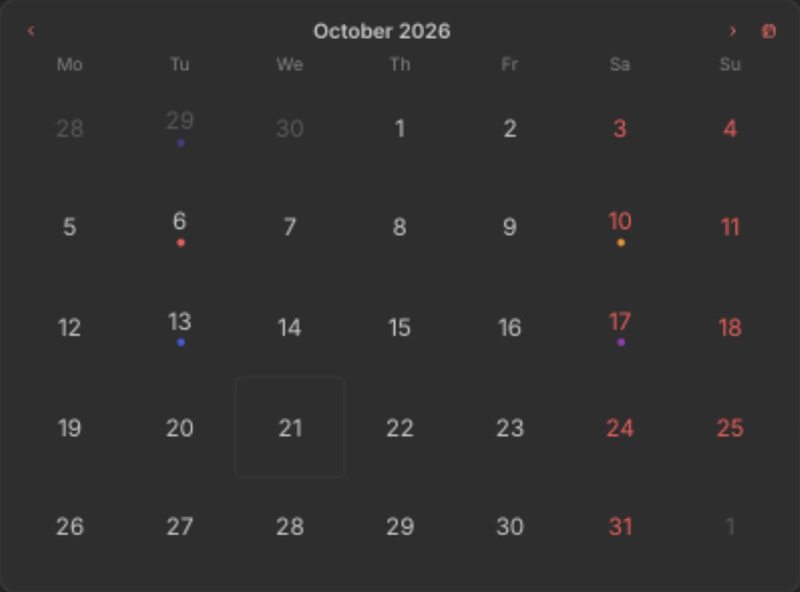 |
| Month | 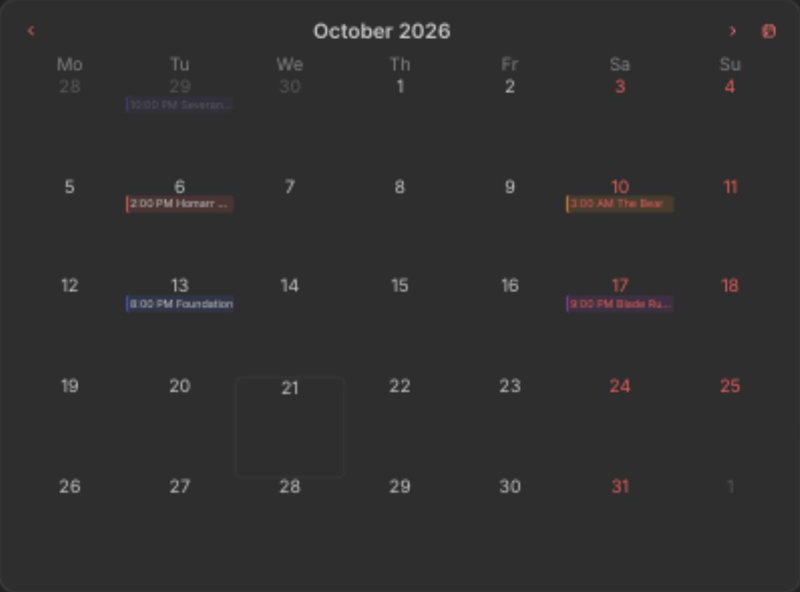 |
| Week | 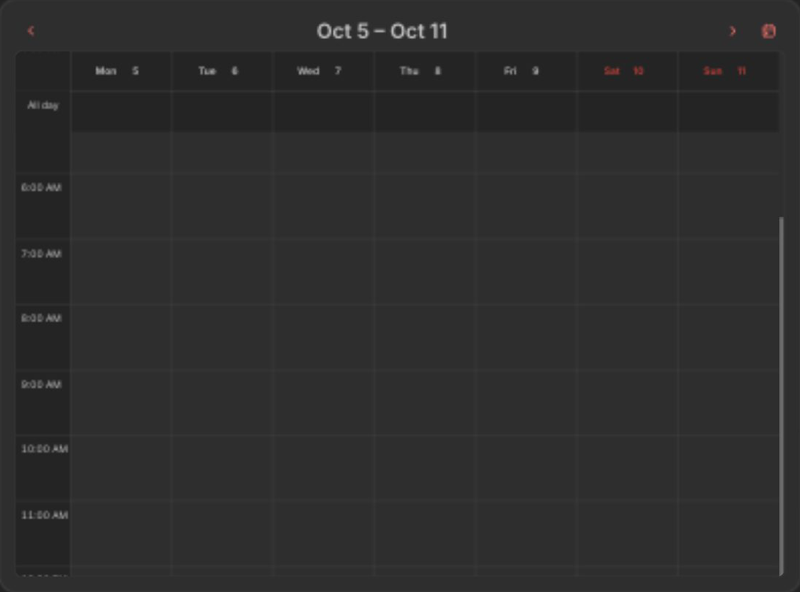 |
| Day | 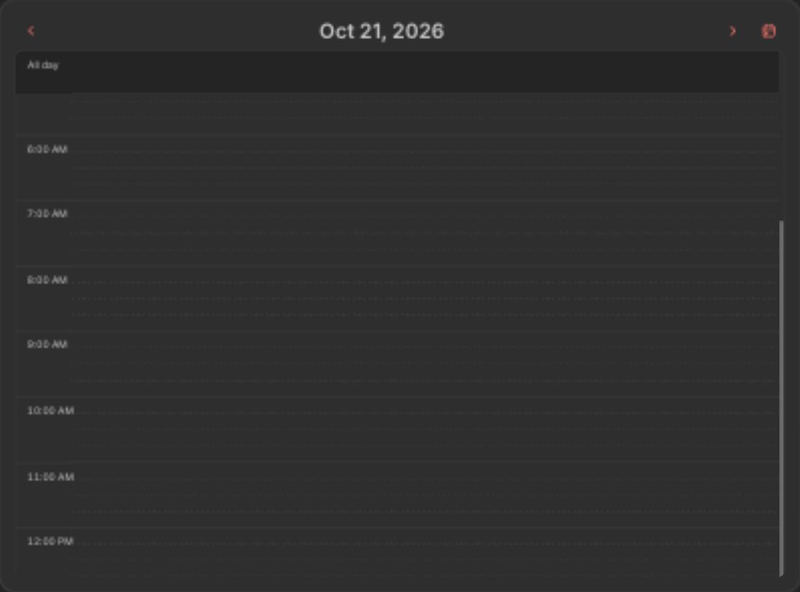 |
| Agenda | 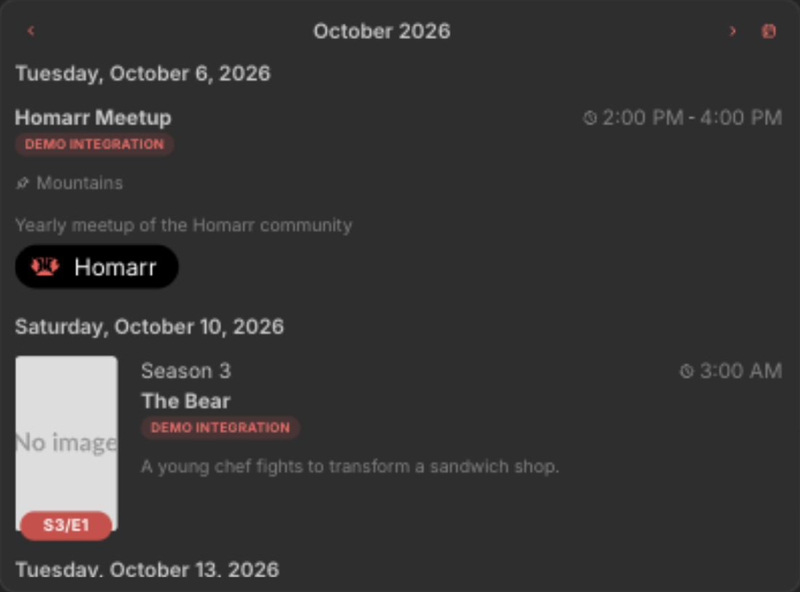 |
Interactions
- Hover a date or event to inspect its details.
Supports advanced view. See the advanced keyboard shortcuts.
Adding the widget
Add the widget from the board's Add board content menu in edit mode.
Configuration
| Name | Description | Values | Default value |
|---|---|---|---|
| View | Layout used to display events. | Compact month, Month, Week, Day, Agenda | Compact month |
| Hide header | Hide the date navigation. Widgets that are too short always hide it. | yes / no | no |
| Radarr release type | Select what type of release date to see. | List of: 'In cinemas', 'Digital release', 'Physical release' | 'In cinemas' and 'Digital release' |
| Start from | Amount of months in past that Homarr should load in background. Higher number means more memory usage. | 2-9999 | 2 |
| End at | Amount of months in future that Homarr should load in background. Higher number means more memory usage. | 2-9999 | 2 |
| Show unmonitored | Whether to show releases that are not monitored in the integration. | yes / no | no |